A Mac app that feels like a Mac app.
Native SwiftUI. Drag and drop. Familiar shortcuts. A focused little window that stays out of your way.
Choose image ⌘ OPaste image ⇧ ⌘ VCopy alt text ⇧ ⌘ C
 alternator.Download free
 Alternator is a free AI alt text generator for Mac. Turn images into thoughtful, editable descriptions for your website. Drop, describe, and get on with creating.
macOS 14+ · Apple silicon · Bring your own API key
Development build · Installation notes ↗A little less typing.
A lot more accessible.
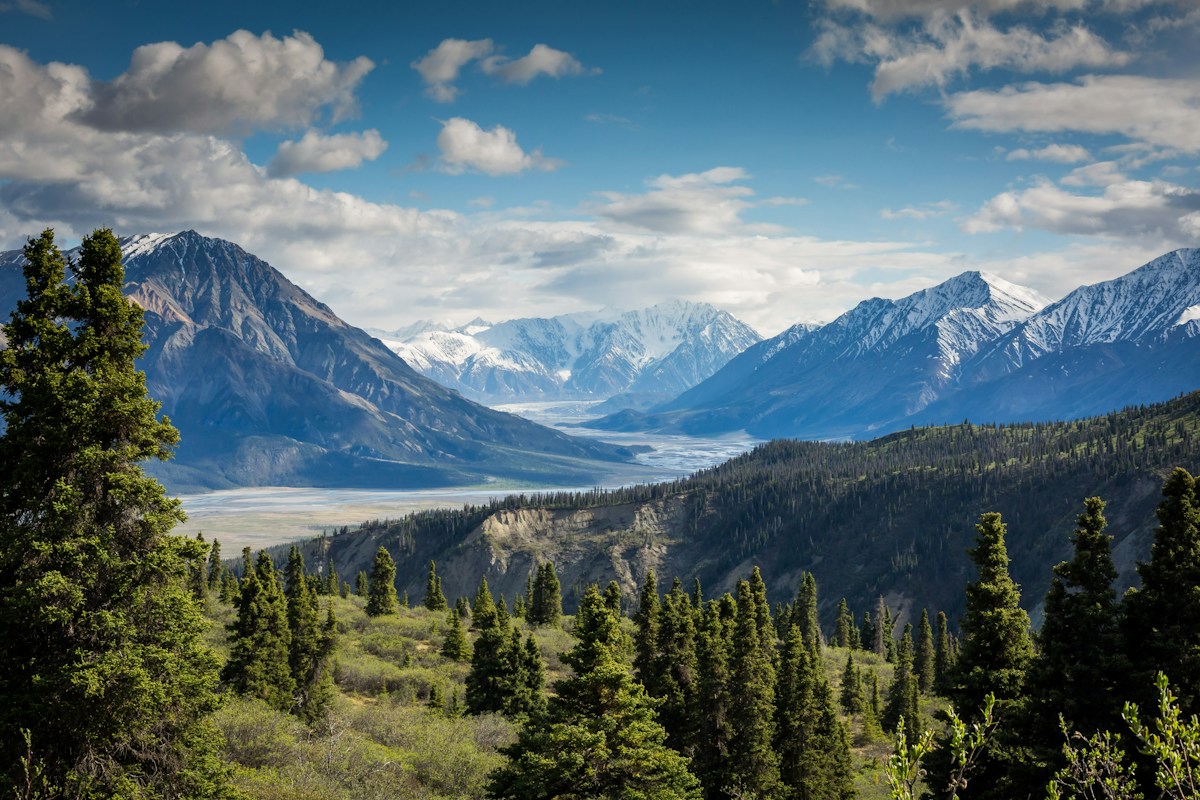 mountain.jpg ↗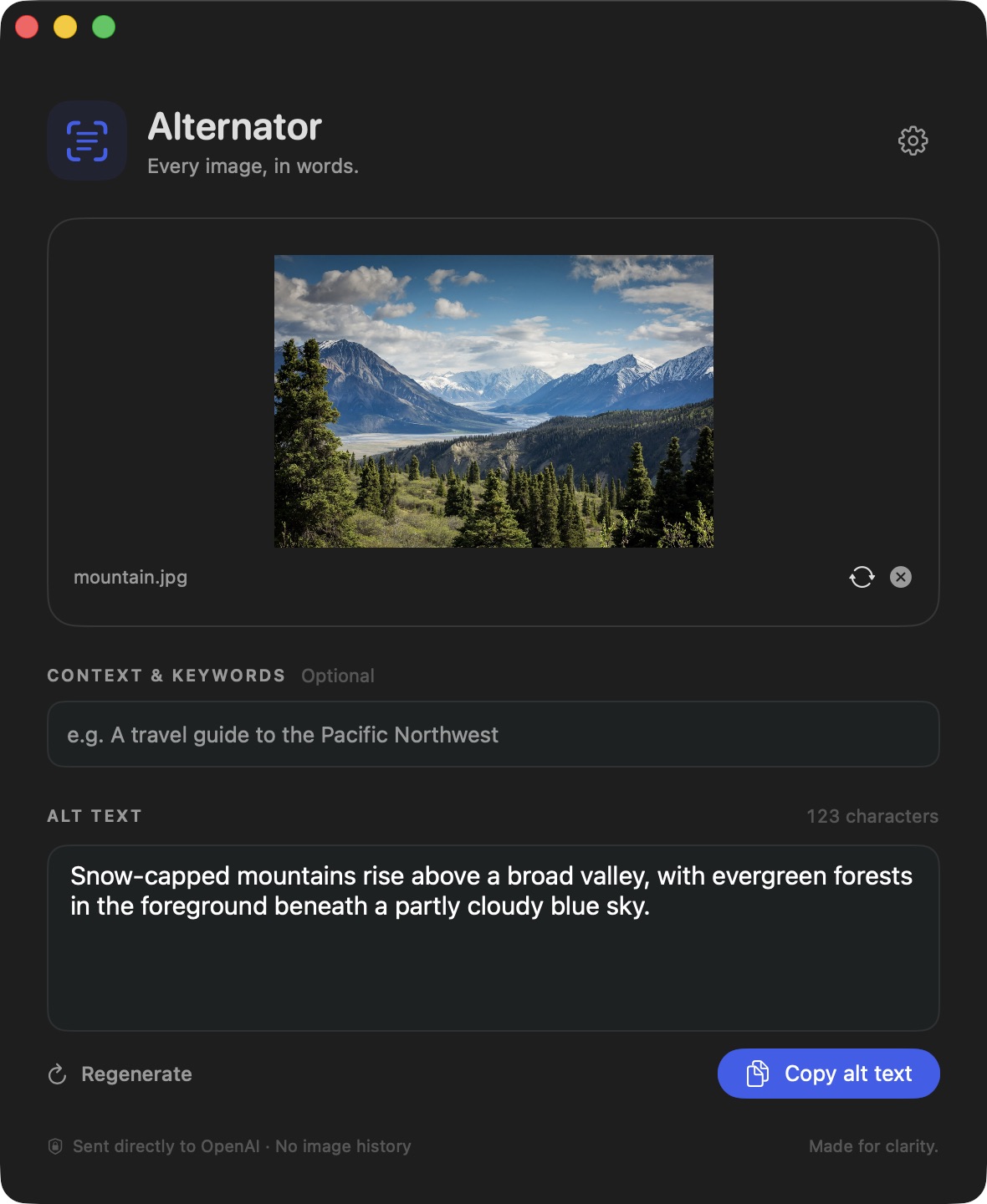
01 / THE LITTLE MAGIC
One image. A useful first draft.
Your final say on every word.
A simulated walkthrough. No image is uploaded from this page.
THE EVEN SHORTER SHORTCUT
Drop an image straight onto Alternator’s Dock icon. It works in the background, copies the result, and lets you know it’s ready.
Enable notifications for the little “all done” moment.
Alternator
Alt text is ready on your clipboard.
mountain.jpg02 / SMALL, ON PURPOSE
Built for the everyday work of making
the web a little easier to understand.
Native SwiftUI. Drag and drop. Familiar shortcuts. A focused little window that stays out of your way.
A product page? A travel story? Add optional context and keywords for a relevant description. Edit or regenerate before you copy.
Connect OpenAI, OpenRouter, or Anthropic. Choose an image-capable model, including your own custom model ID.
Clear descriptions with naturally relevant keywords. A character count to help you keep things concise, without cutting off your words.
Drop on the Dock, get text on your clipboard. A progress indicator and optional notification keep you in the loop.
A CLOSER LOOK / LIGHT & DARK
Built for both, down to the little details.
Alternator follows your Mac’s appearance.
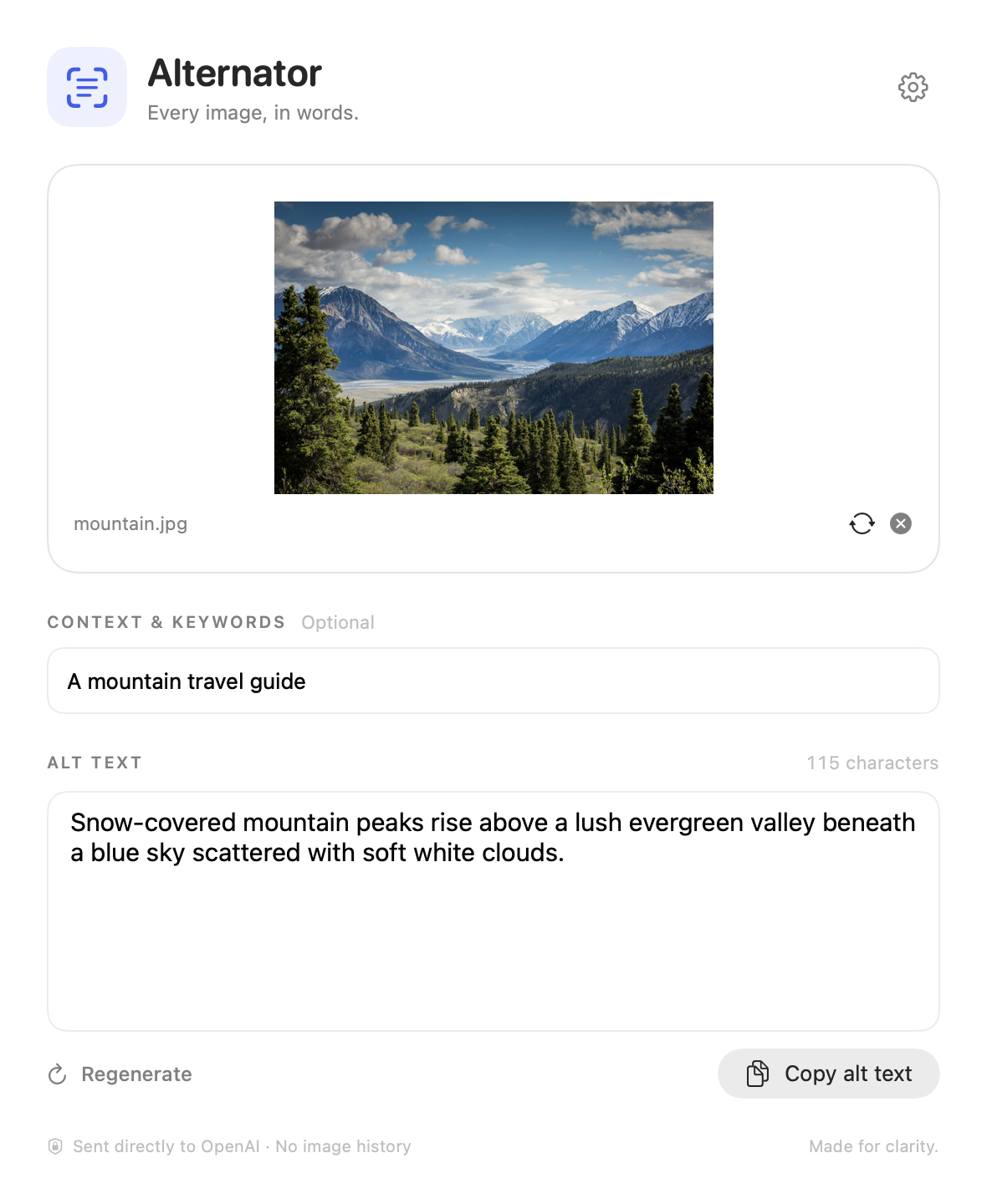
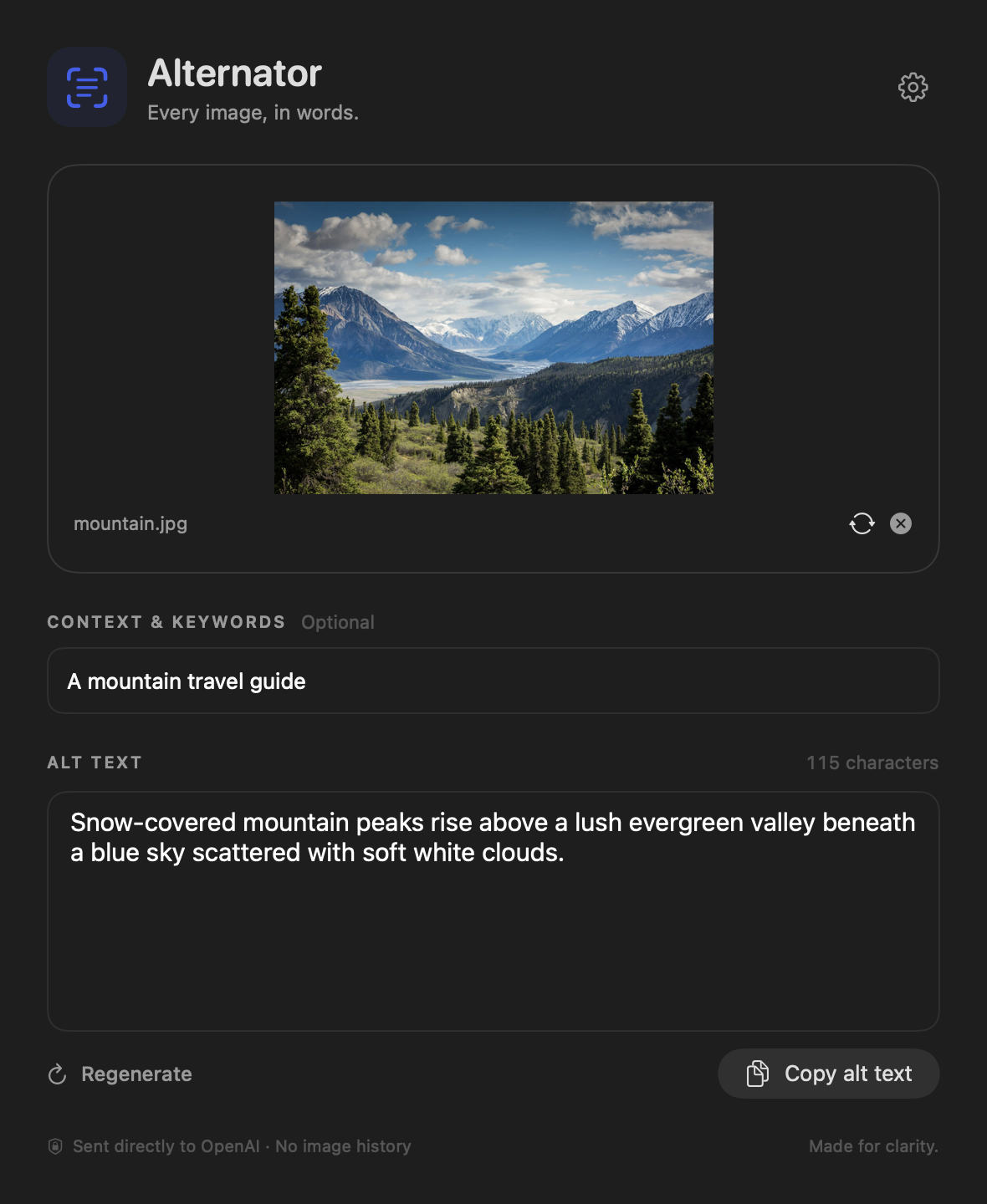
Morning light or late-night ideas. The same focused workflow, at home in either appearance.
YOUR MAC. YOUR KEY. YOUR CHOICE.
Your API keys stay in macOS Keychain. Images are resized locally and stripped of original EXIF and GPS metadata before being sent directly to your chosen provider.
Provider data policies and API charges apply. Always review generated text for accuracy and the image’s purpose.
03 / MAKE YOURSELF AT HOME
Free to download. Yours to use.
Just bring a Mac and an API key.
Download the ZIP, unzip it, and move Alternator to Applications. Requires macOS 14 or later on an Apple silicon Mac.
Get AlternatorOpen Settings with ⌘ ,. Pick OpenAI, OpenRouter, or Anthropic, add your API key, choose a vision model, and save.
The app is free. Provider API usage is billed separately.Drop an image in. Add context if you like. Review the result, make it yours, and copy it into your next project.
Tip: drop onto the Dock for automatic copying.Version 1.0 is an Apple Development-signed build for Apple silicon, and has not been notarized by Apple. macOS may block its first launch. If you’re comfortable with this build, try opening it, then go to System Settings → Privacy & Security → Open Anyway if that option appears. Managed Macs may require administrator approval.
An Intel or notarized release is not included in this download. See Apple’s guidance on opening downloaded apps ↗.
SHA-256: 97fef3d7e912cbe4c7859828b3964082bf8c675a8c3820920dc6731e5472cdde
Alt text is a written description of an image’s meaning or purpose. Screen readers use it to help people understand images, and it can help search engines understand image content. Good alt text is accurate, concise, and relevant to the surrounding page. Decorative images often need an empty alt attribute instead of a description.
Yes. Download and use the app for free. You connect your own API key, and your selected provider bills any paid model usage separately.
Alternator 1.0 includes signed in-app updates. It checks for new versions on every launch and continues checking while it runs, and you can choose Alternator → Check for Updates… at any time. Review and confirm an update to install it. If you downloaded an earlier development build, download 1.0 once to get this feature.
Generating a description requires an internet connection and a configured image-capable AI model. Once text is generated, you can edit and copy it locally.
JPEG, PNG, HEIC, WebP, GIF, and TIFF, up to 40 MB per file. Images are prepared locally at up to 1,600 pixels on the longest side. Animated inputs use the first frame. Alternator handles one image at a time.
Paste it into an image’s alt text field in WordPress, another CMS, your website’s HTML, or any publishing tool with alt text support. Review the description and adjust it to fit the image’s purpose and surrounding content.
A LITTLE LESS TYPING. A LOT MORE ACCESSIBLE.
v1.0 · macOS 14+ · Apple silicon · 4.1 MB ZIP
API key & installation details ↑